
Podcast artwork
No artwork yet, or an image that isn't the right size? Podhome can make artwork for your show and every episode, and it fixes the size of any image you upload.
Any image works
Podcast apps want square artwork. Apple asks for 1400×1400 to 3000×3000 pixels. You don't have to worry about that: upload any JPG, PNG or WebP image and Podhome turns it into a 1500×1500 square.
In the app you choose which part of the image to keep
Through Claude or the API, Podhome keeps the center of the image
Photos from a phone are turned the right way up, and transparent parts get a white background
GIFs keep working for episode artwork, but they need to be square already, because cropping would break the animation.
Make show artwork
When you create a show, or in show settings, click Make artwork for me next to the artwork field.
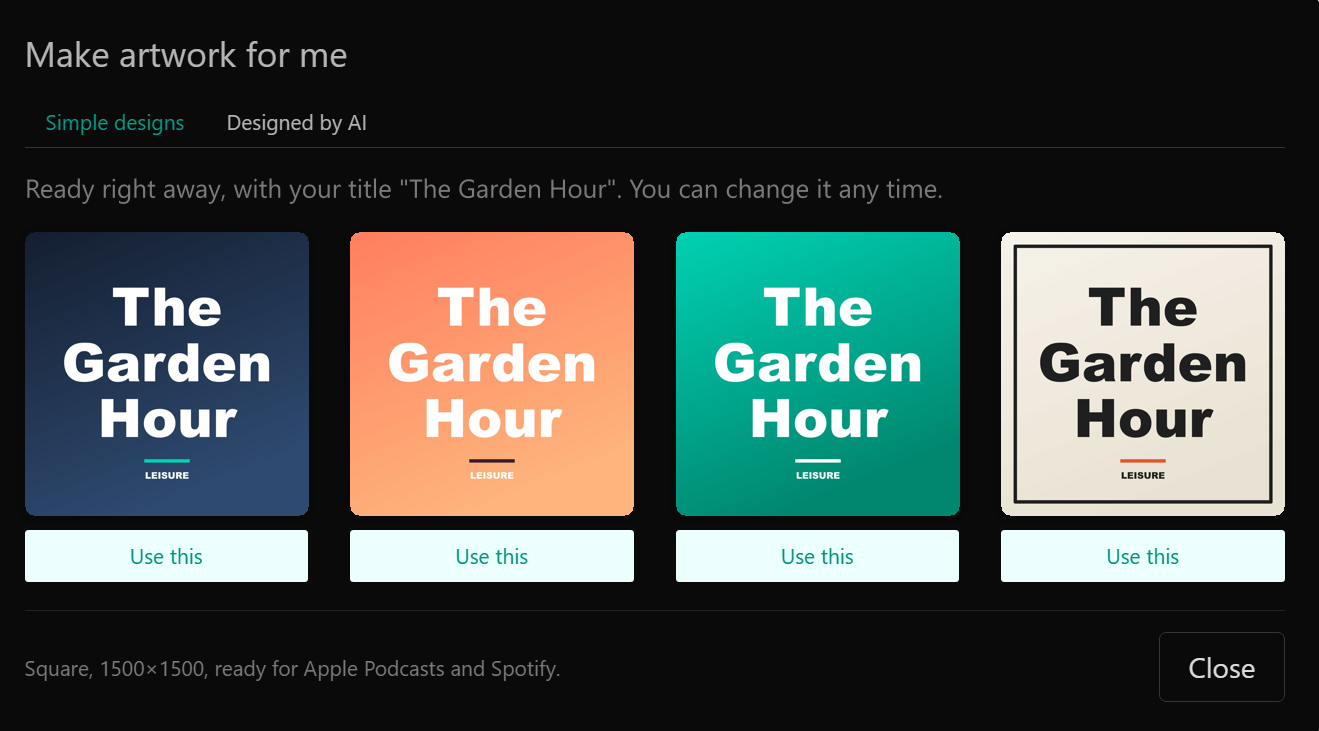
Simple designs: four designs with your show title, ready right away. Free and unlimited
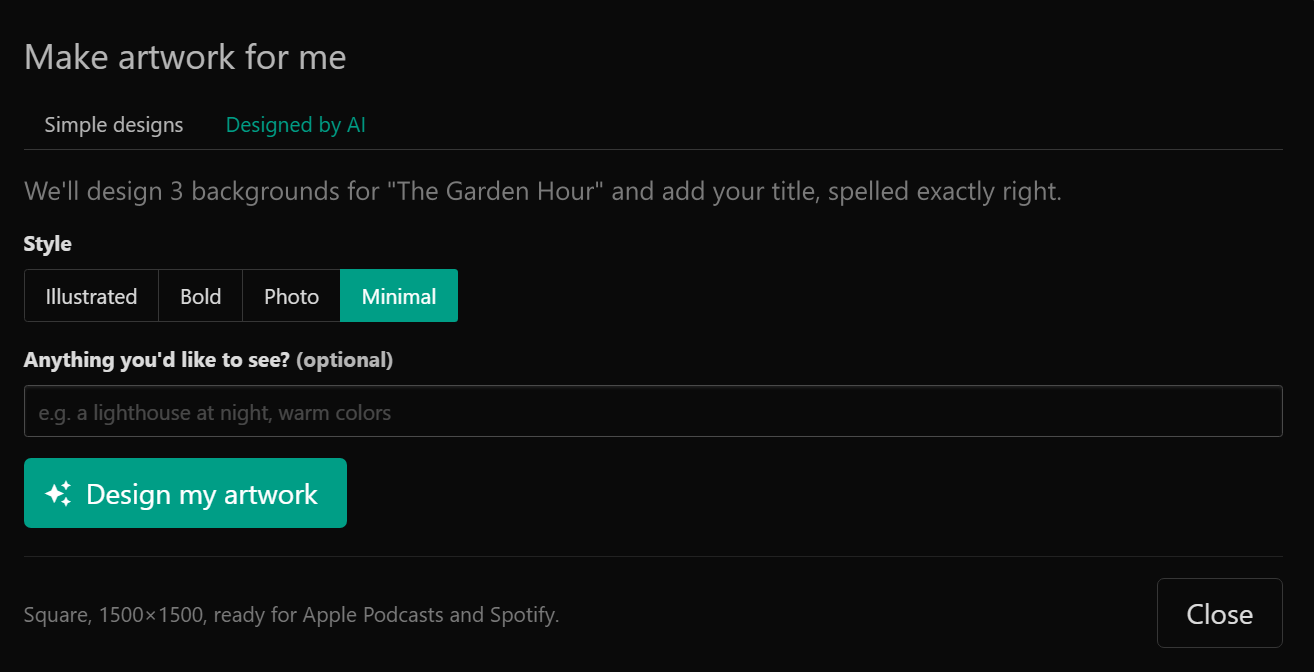
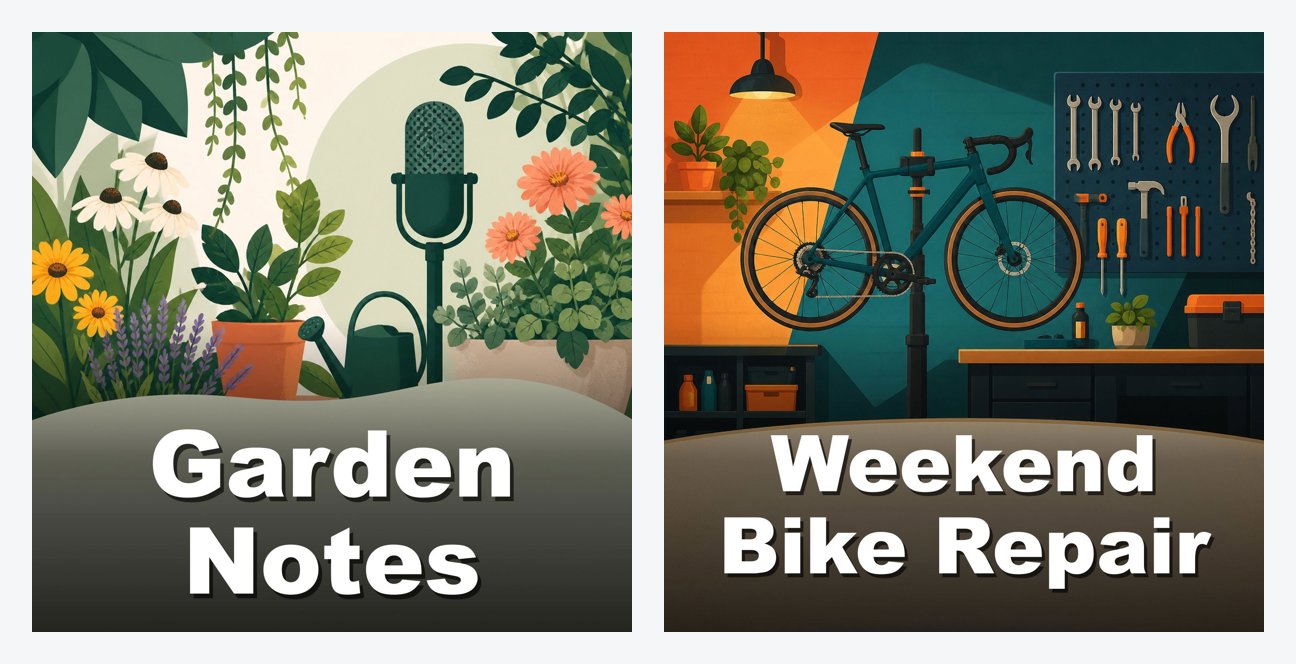
AI designs: pick a style (illustrated, bold, photo or minimal) and add an idea if you like, such as "a lighthouse at night". Podhome AI makes three designs at a time, based on your title, description and category
Click a design to use it. You can still upload your own image at any time
You can make 3 rounds of AI designs per account per day. A round that fails doesn't count.
Make episode artwork
On an episode, click Make artwork for me under the episode artwork. Episode artwork starts from your show artwork, so your episodes look like they belong together.
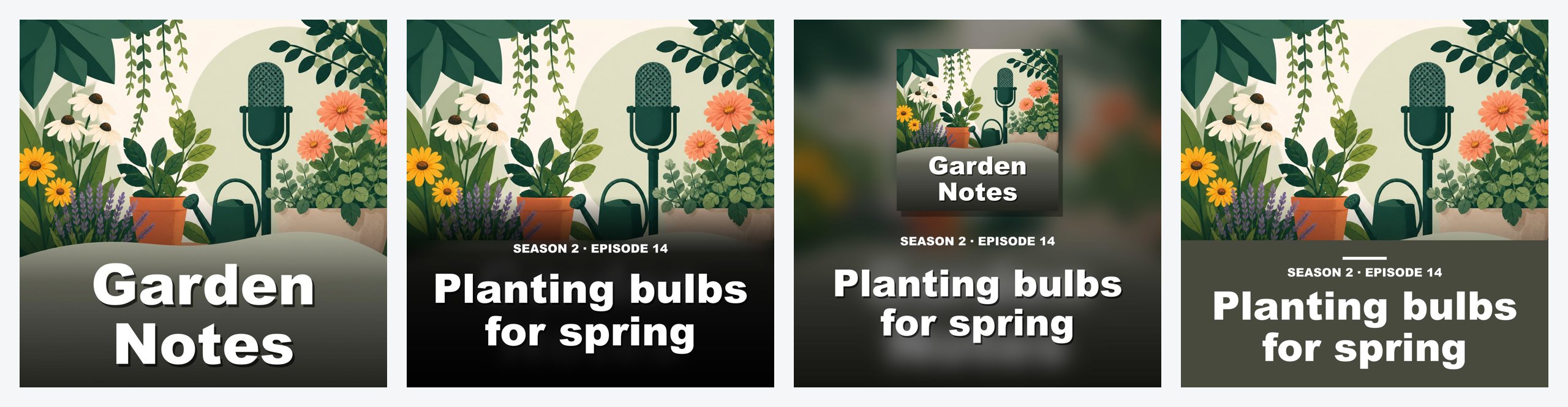
Simple designs: three designs made from your show artwork, with the episode title and number (for example "SEASON 2 · EPISODE 14")
AI design: a variation of your show artwork that fits this episode. You get 3 tries per episode
The show needs artwork first. If it doesn't have any yet, make that first.
Your title, spelled right
AI image models are known for misspelling words. That's why Podhome AI makes the image without text, and Podhome draws your title on it afterward in a clean, readable font. For an AI episode design you can also leave the title off.
With Claude
Connected Claude to Podhome? Ask for artwork in the chat, for example "Make some artwork options for my show and use the one I pick." Claude shows you the options and only changes your artwork after you pick one. The limits are the same as in the app. See AI assistants.
Through the API
Call the Podhome API with your show API key in the X-API-KEY header:
POST /api/artwork/simple: simple designsPOST /api/artwork/ai: AI designs
Send {"target": "show"} or {"target": "episode", "episode_id": "..."}. With /api/artwork/ai you can add an idea, a style for show artwork, and "include_title": false for episode artwork. You get back a list of image_urls. Nothing changes until you send the one you like as image_url when you update the show or episode.
curl -X POST -H "X-API-KEY: your-key" -H "Content-Type: application/json" \
  -d '{"target":"show","style":"illustrated","idea":"a lighthouse at night"}' \
  https://serve.podhome.fm/api/artwork/ai
Images you send to the API as image_url or image_data are cropped to 1500×1500 too.
Questions
Does it cost extra? No. Simple designs and AI designs are included in your Podhome plan.
Can I use the artwork anywhere? Yes. It's your artwork: use it in podcast apps, on your website and on social media.
Questions? Email support@podhome.fm.