
Feature — 16
No designer?
No problem.
Make show and episode artwork in a minute: simple designs with your title, or designs made by Podhome AI. Any image you upload is cropped to the right size.

Ready right away
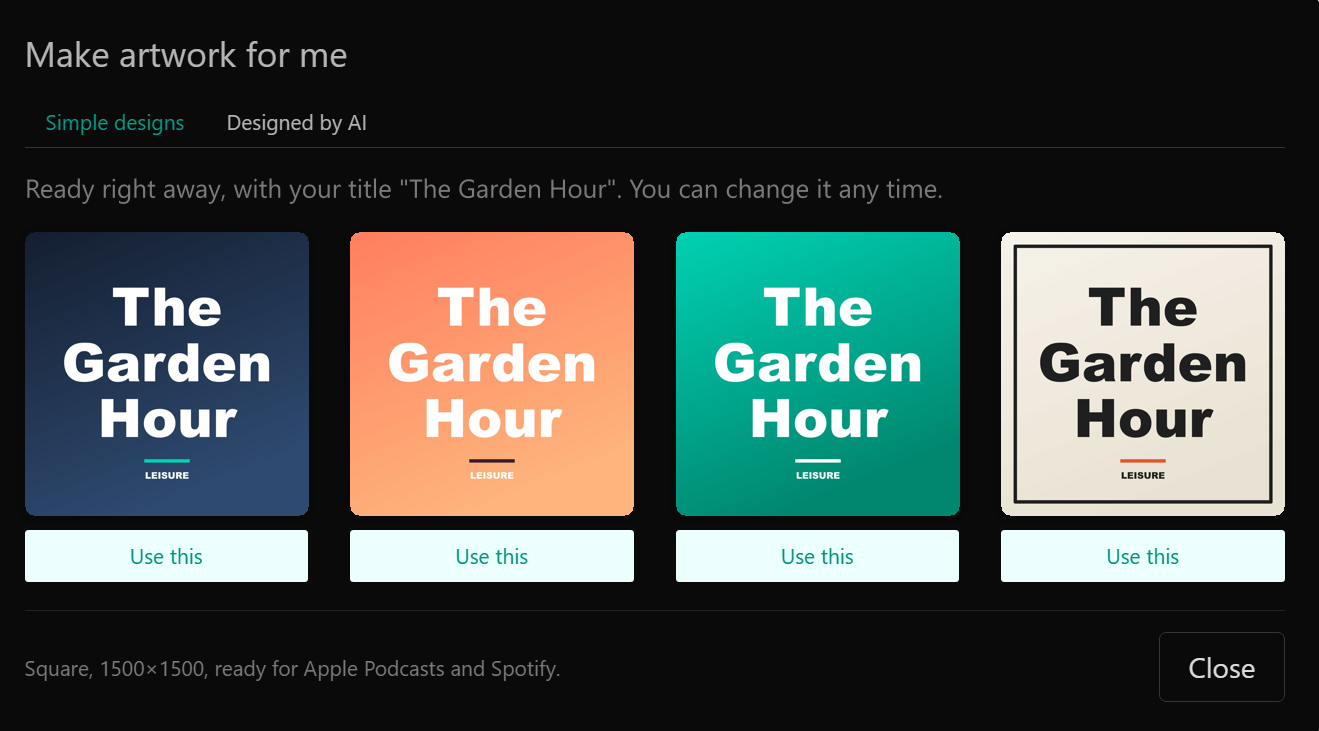
Your title, four designs
Type your show title and click Make artwork for me. You get four designs with your title right away. Click one to use it.
Simple designs are free and unlimited, and you can change your artwork any time.
Designed by Podhome AI
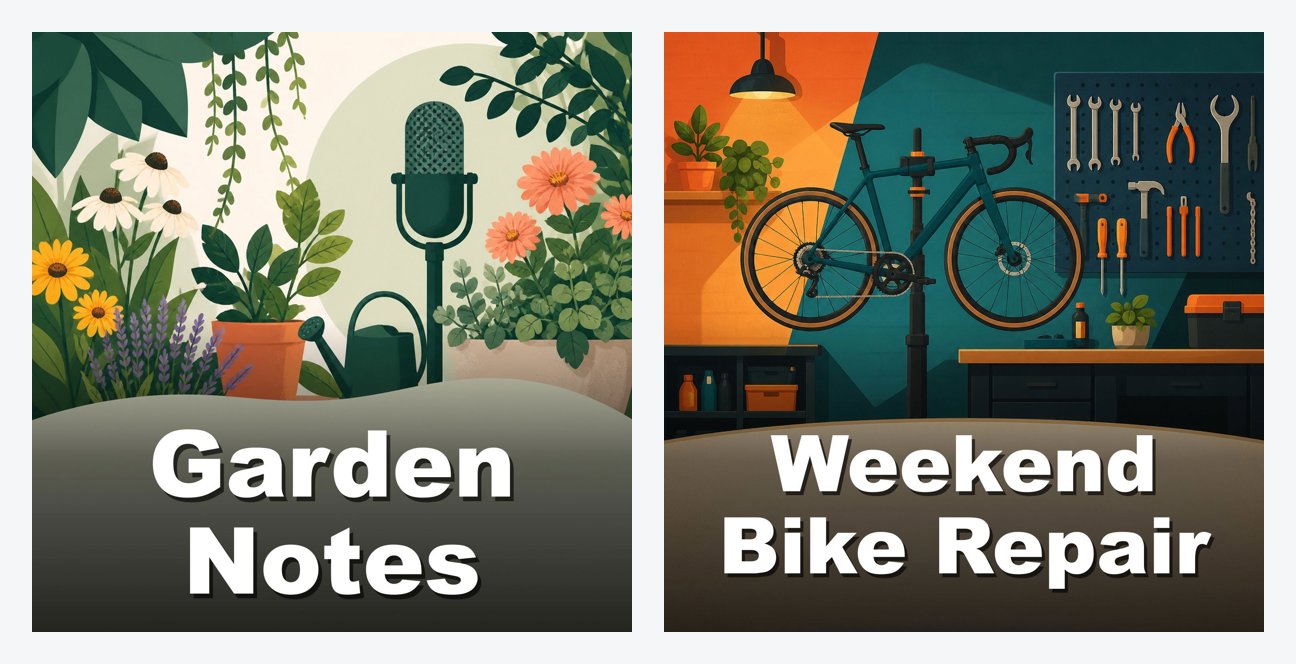
Artwork that fits your show
Pick a style, illustrated, bold, photo or minimal, and add an idea if you have one. Podhome AI makes three designs based on your title, description and category.
AI image models often misspell words, so the AI makes the image and Podhome draws your title on it, spelled exactly right.
Every episode
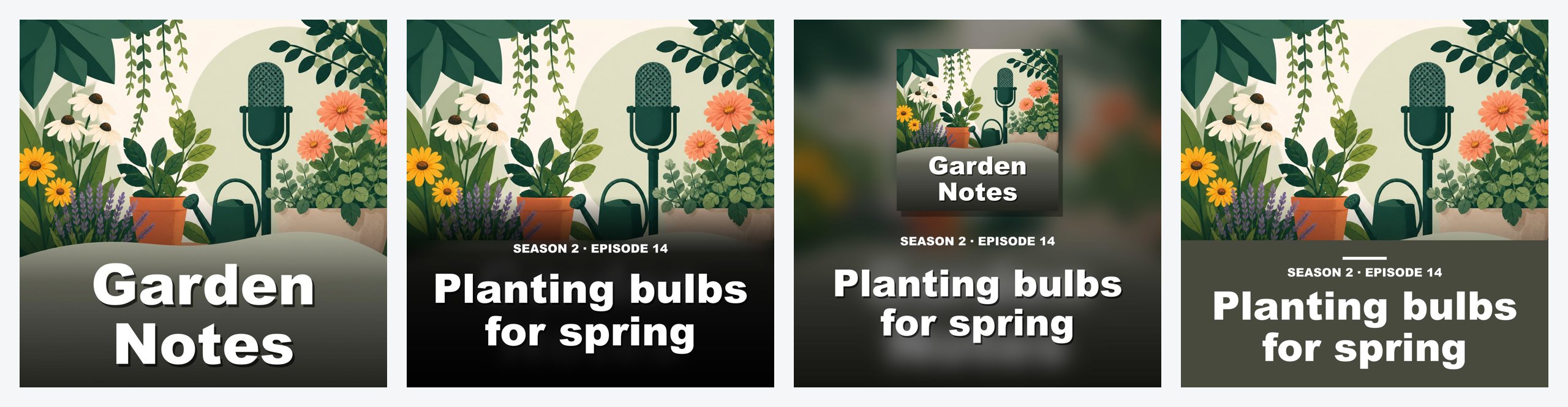
Episode artwork that belongs together
Episode designs start from your show artwork and add the episode title and number. Or let Podhome AI make a variation of your show artwork for that episode.
- Three simple designs for every episode
- 3 AI tries per episode
- Season and episode number added for you
Any image works
No more size errors
Podcast apps want square artwork of at least 1400×1400 pixels. Upload any JPG, PNG or WebP and Podhome turns it into a 1500×1500 square. In the app you choose which part to keep.
Good to know
Questions,
answered.
Does the artwork maker cost extra?
No. Simple designs and AI designs are part of the one Podhome plan. You can make 3 rounds of AI show designs per day and 3 AI tries per episode.
Can I still upload my own artwork?
Yes. Upload your own image at any time. If it isn't square, Podhome crops it to 1500×1500 for you.
Can I use the artwork outside Podhome?
Yes. It's your artwork: use it in podcast apps, on your website and on social media.