
Podcast artwork in a minute, even if you can't design
Artwork is the first thing listeners see of your podcast, and for many new podcasters it's the step where they get stuck. You have a name, you have a first episode, and then a podcast app asks for a square image of at least 1400×1400 pixels. Podcasters told us this was hard. So Podhome now makes the artwork for you.
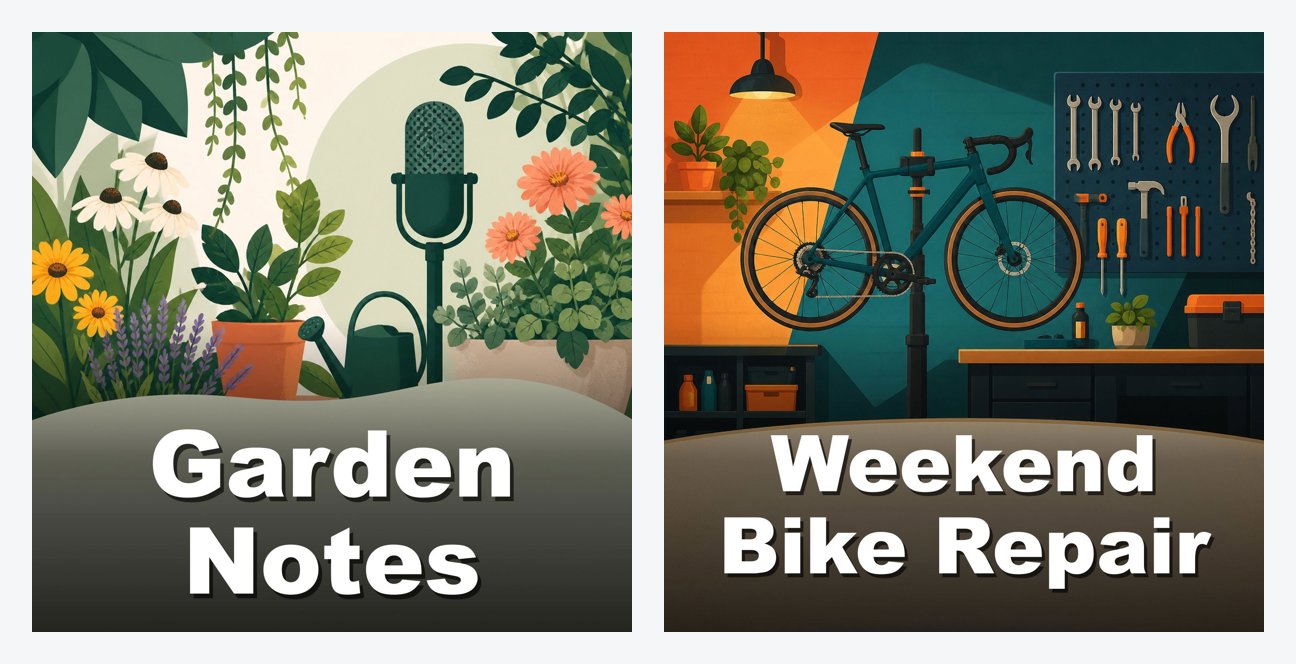
Show artwork: click, pick, done
When you create a show, or later in show settings, click Make artwork for me. You get two kinds of designs:
- Simple designs. Four clean designs with your show title, ready right away. They're free and you can make as many as you like.
- AI designs. Pick a style, illustrated, bold, photo or minimal, and add an idea if you have one, like "a lighthouse at night". Podhome AI makes three designs based on your title, description and category. You can make 3 rounds a day.
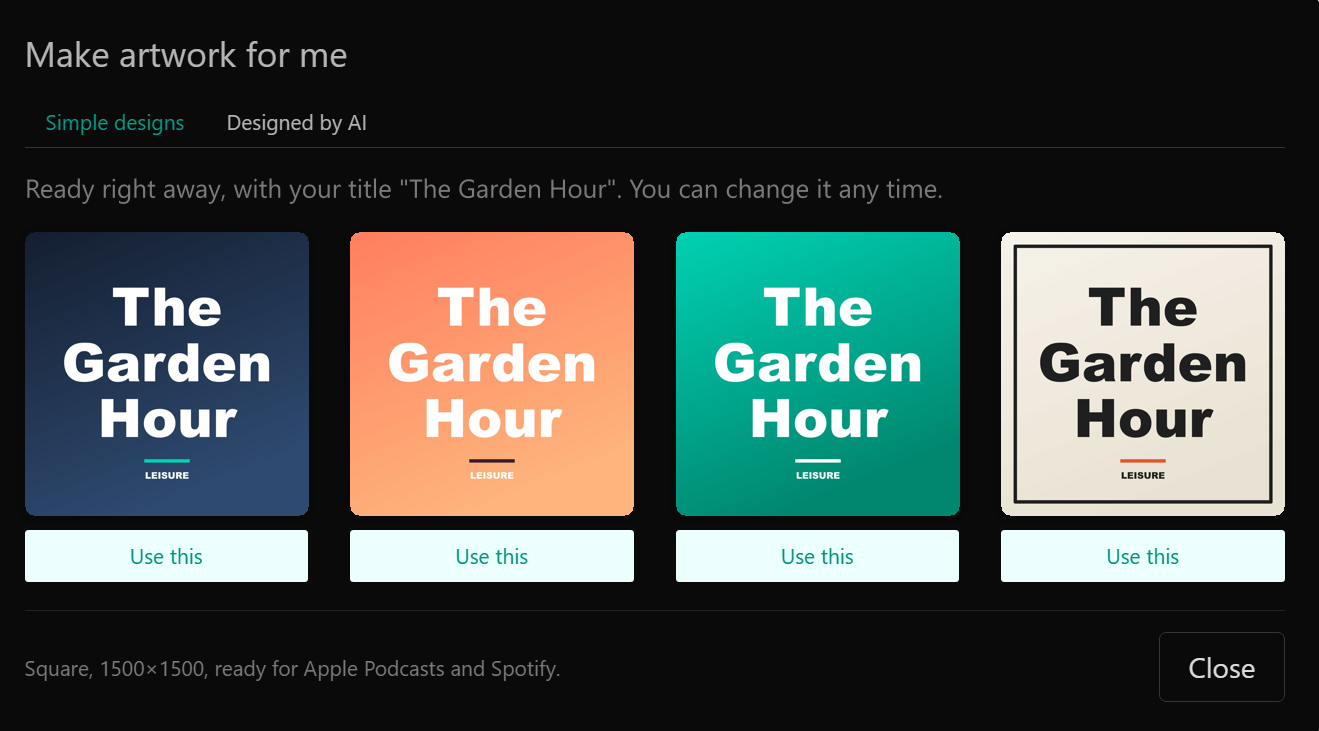
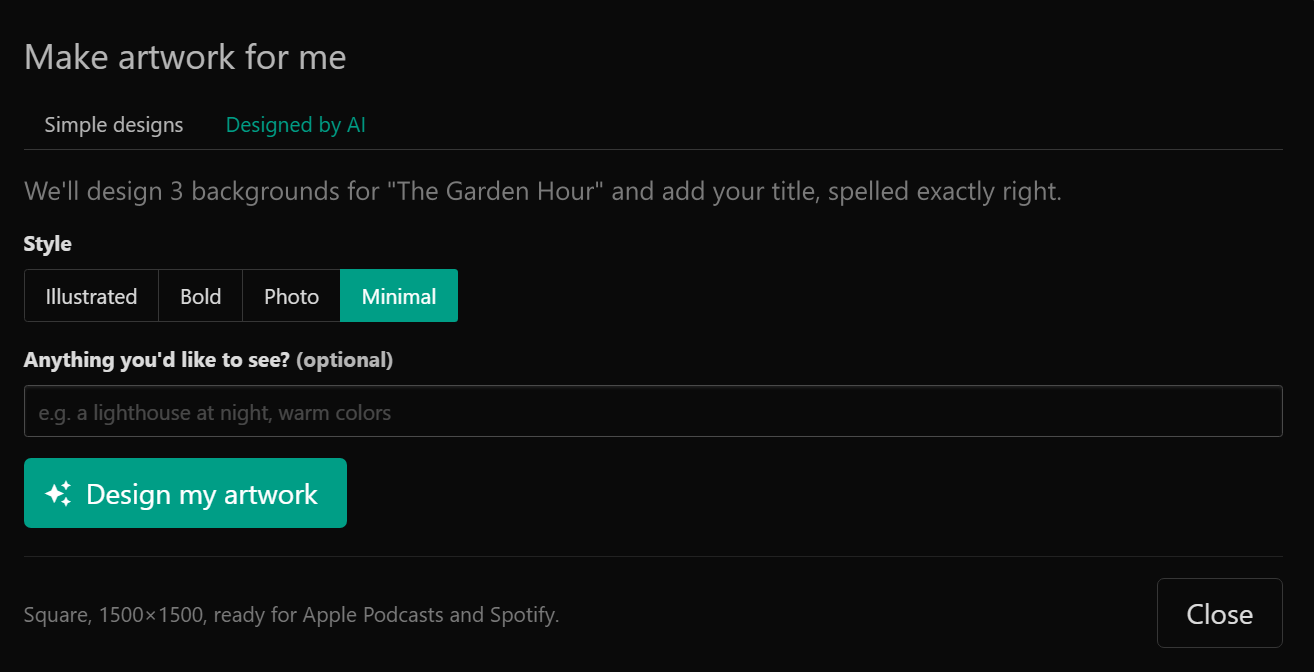
Your title, spelled right
AI image models are famous for turning words into gibberish. We didn't want that on your artwork. So Podhome AI makes the image without any text, and Podhome draws your title on it afterward, in a bold font that reads well as a small thumbnail in a podcast app.
Episode artwork that belongs together
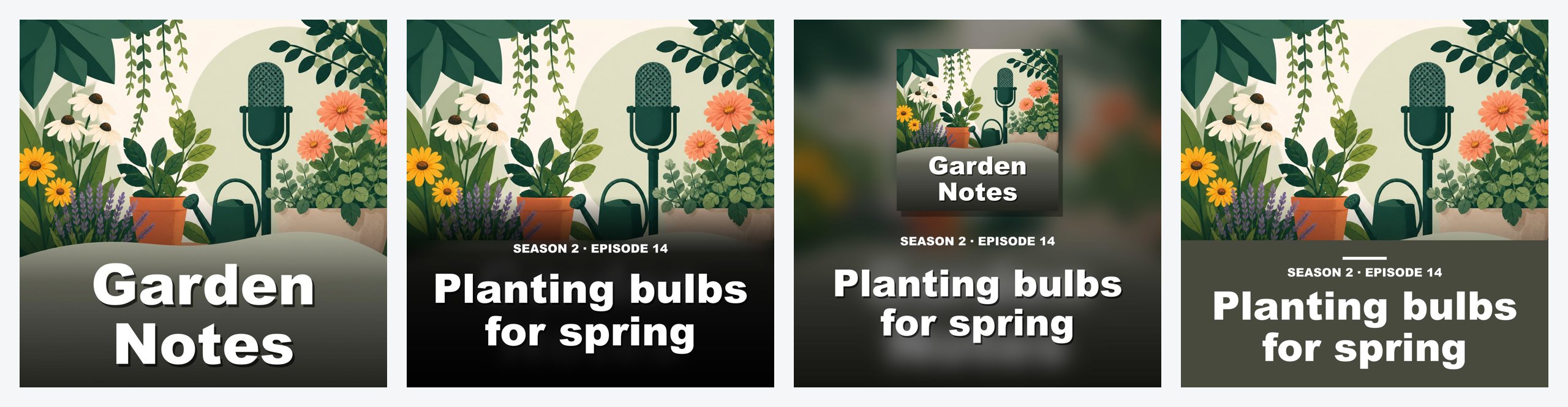
Episode artwork helps listeners find an episode in a long list. It's also one more image to make every week. On an episode, click Make artwork for me and Podhome starts from your show artwork:
- Three simple designs with the episode title and number, like "SEASON 2 · EPISODE 14"
- An AI variation of your show artwork that fits the episode, with 3 tries per episode
Already have an image? It fits now
Maybe you have a photo or a logo that isn't square, or isn't big enough. That used to mean an error message. Now Podhome turns any JPG, PNG or WebP into a 1500×1500 square, and in the app you choose which part to keep.
Ask Claude, or use the API
If you've connected Claude to Podhome, you can ask for artwork in the chat: "Make some artwork options for my latest episode, and use the one I pick." Claude shows you the options and only changes your artwork after you choose.
Building your own workflow? The Podhome API has POST /api/artwork/simple and POST /api/artwork/ai. Both return image links, and you apply the one you like when you update the show or episode. The details are in the artwork guide.
Common questions
Does it cost extra?
No. Simple designs and AI designs are included in the one Podhome plan, $15.99 a month or $185 a year.
Can I still upload my own artwork?
Yes, any time. If a designer made your artwork, keep using it.
Can I use the artwork outside Podhome?
Yes. It's your artwork: use it in podcast apps, on your website and on social media.
New to Podhome? Start the 30-day trial and make your show artwork while you create your show.